
Step 01
Send Requirements
Share your part list with OEM numbers, vehicle models, and quantities. We respond within 24 hours.
A phone that is charging usually shows a bolt or charging screen, a rising battery percentage and, with an LED lead, a light that flows along the cable. Each sign proves something different, so use two together. If none of them appear, the fault is almost always the port, the adapter or the cable, in that order of cheapness to check.
The 3-in-1 LED charging cable has an LED strip along the lead. The light flows toward the phone while current is running, so you can see at a glance, in a dark car or on a crowded desk, that power is reaching the device. If the light stays off, the problem is upstream of the phone: the USB port, the car adapter or the wall charger.
One honest limit: the light shows that power is present on the cable. It cannot tell you that the battery is accepting it. A phone at 100%, or one pausing to protect a hot battery, will stop drawing current even though the lead is fine. Use the light and the percentage together.
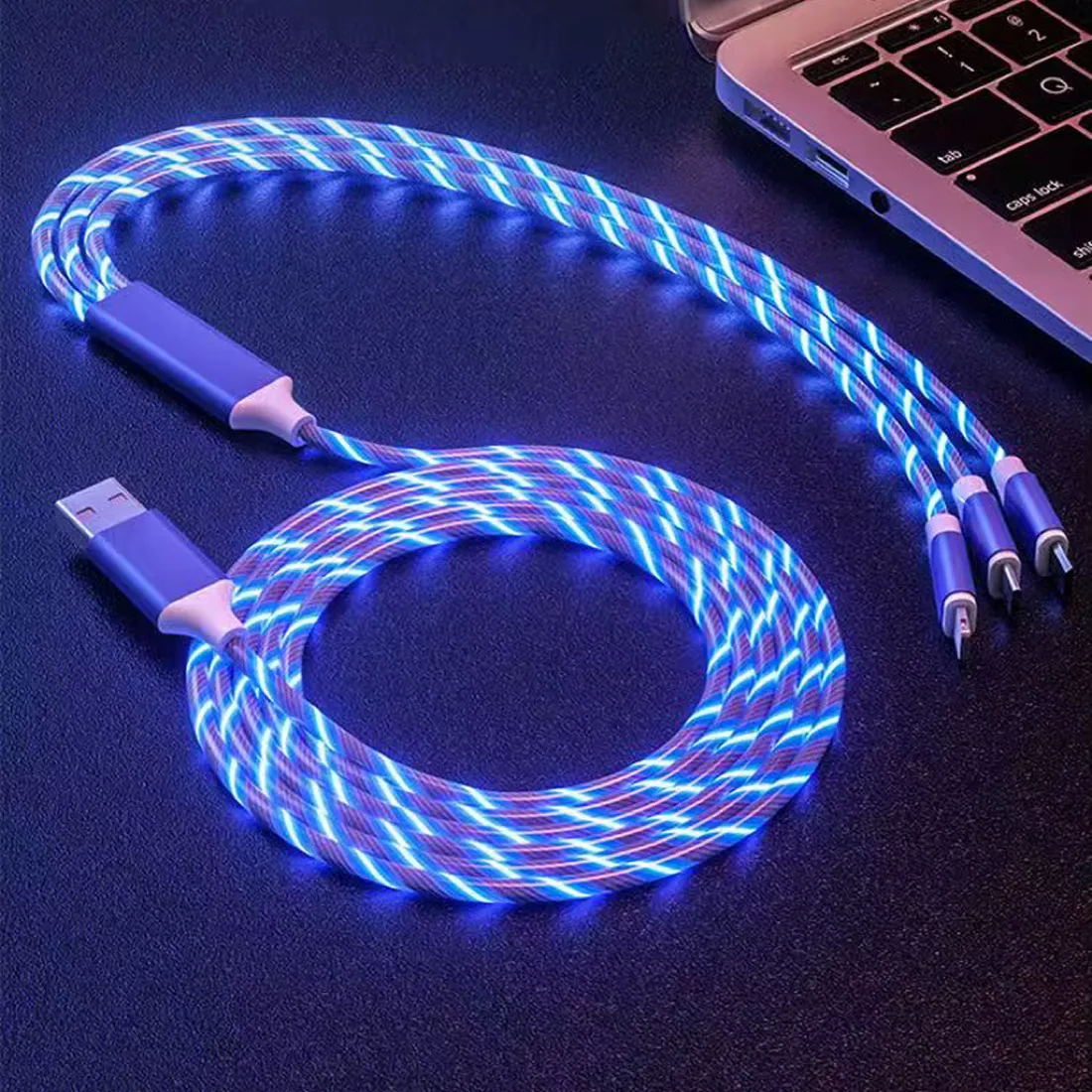
Most phones light the screen or vibrate when power connects. With a lead that has a flowing LED, the light itself tells you without waking the phone.
The adapter or cable is delivering less power than the phone is using, often while the screen is on or a game is running. Try a better adapter, close heavy apps, and compare the percentage after ten minutes with the screen off.
No. The light shows that current is running. Speed is set by the charger, the phone and the cable.
Power is reaching the lead, so check the connector seating and the phone's port for lint or moisture, and try another phone to isolate the fault.
We supply the 3-in-1 LED charging cable by the carton or in bulk, export-packed, and reply within 24 hours:
From your first enquiry to export dispatch — a straightforward three-step process built for international distributors and workshops.
Share your part list with OEM numbers, vehicle models, and quantities. We respond within 24 hours.
Receive pricing, availability, and lead time. We verify fitment before you place the order.
Parts are QC-checked, export-packed, and dispatched via sea, air, or express courier to your nominated destination.
Importers, distributors, and fleet operators worldwide rely on Nonu Ventures for accurate OEM numbers and dependable export logistics.
B2B export for Europe, Australia, Africa, and South America. Email or WhatsApp your OEM part list — we verify fitment and respond within 24 hours.
Include OEM part numbers, quantities, vehicle models, destination port, and preferred freight mode (FCL / LCL / air). Download our RFQ template to speed up quoting.
Export desk hours: Mon–Fri · 04:00–14:00 UTC